 Evan Bélanger
The Indiana Fever snapped the Golden State Valkyries' seven-game win streak on July 15, 2026, beating the WNBA's breakout expansion side 84-77 at Gainbridge Fieldhouse, with Caitlin Clark posting 12 points, seven rebounds and six assists. Across Canada, thousands of fans tried to tune in live — and a large share of them hit the same wall: a spinning buffer wheel, a "not available in your region" banner, or a blackout notice telling them the game they wanted was locked until it was already over.
The Valkyries-Fever matchup was one of the most-searched sports terms in Canada this week. But the scramble to actually watch it exposed how fragmented, and how technically fiddly, live women's basketball has become north of the border in 2026.
Why watching one WNBA game now means juggling four services
Canada no longer has a single home for the WNBA. Live rights are split across TSN, Sportsnet+, Prime Video and the league's own WNBA League Pass, each carrying a different slice of the schedule. Prime Video alone holds roughly 30 exclusive games this season, League Pass sells a standalone subscription at $39.99 per year or $14.99 per month, and Bell Media's TSN anchors marquee events plus the newly launched Toronto Tempo — Canada's first WNBA franchise.
For a fan, that means a single high-profile game like Fever-Valkyries can live behind a paywall you don't happen to hold that night. The result is subscription sprawl: people stack two or three services, then discover the specific matchup they wanted sits on the fourth.
Blackouts: the part nobody reads until game night
The bigger surprise for many viewers is the blackout. Locally televised games in Canada — those carried on TSN, Sportsnet+ or Prime Video — are frequently subject to live blackout rules on competing streams, meaning a service you already pay for may only unlock the game after the final buzzer.
Blackouts are a broadcasting-rights arrangement, not a technical glitch, and they are governed within Canada's broadcasting framework overseen by the Canadian Radio-television and Telecommunications Commission. That is worth knowing before you spend an evening blaming your Wi-Fi: if a game is blacked out on your platform, no amount of router-resetting will bring it back.
Some fans reach for a VPN to sidestep regional restrictions. Be careful here — routing around a broadcaster's licensing terms can breach a streaming service's terms of use, and it is not the clean fix the how-to blogs make it sound. The more reliable path is matching the right subscription to the games you actually care about, then making sure your hardware can deliver them cleanly.
The setup problem hiding behind "the stream keeps freezing"
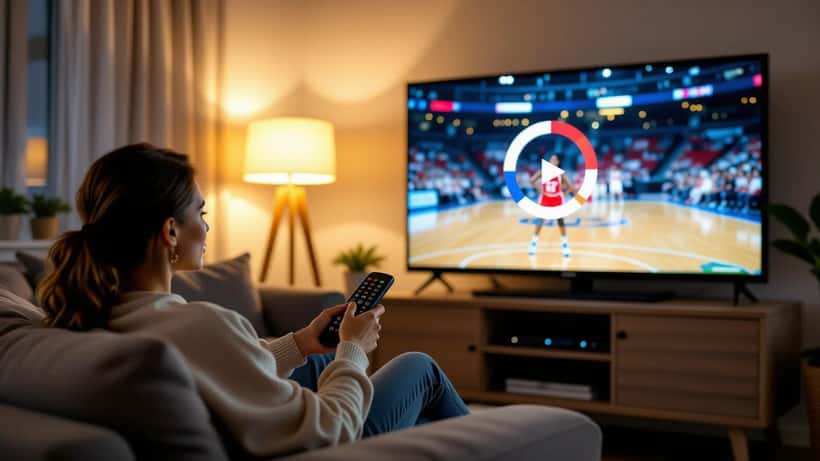
Even when you hold the right subscription, live sport is the hardest thing a home network streams. A 4K basketball feed at 60 frames per second is far more demanding than a movie, because a fast break gives your connection no quiet moments to buffer ahead. Freezing during a Clark drive to the basket is usually not the app — it is the chain behind it.
Common culprits an Expert Zoom consumer-electronics specialist sees again and again:
- A smart-TV app that is two firmware versions out of date, quietly dropping the stream to standard definition.
- A streaming stick plugged into a 2.4 GHz Wi-Fi band, sharing airspace with the microwave and every neighbour on the block, when the 5 GHz band sits idle.
- A mesh router placed inside a media cabinet, its signal smothered by the very TV it is meant to feed.
- An HDMI cable or older streaming box that caps out below the resolution the subscription is delivering.
None of these show up as an error message. They just look like "the WNBA stream is bad" — and send fans back to searching for a different service they don't need.
Where an expert actually saves you money
The instinct when a game won't load is to buy another subscription. Often the smarter move is to audit what you already have. A consumer-electronics consultation typically starts by mapping which of your existing services carry the teams and matchups you follow — for many Canadian fans in 2026 that increasingly means the Toronto Tempo — so you can cancel the overlap instead of stacking more.
From there the expert tunes the delivery: moving the streaming device to the 5 GHz band, repositioning the router, updating app and TV firmware, checking that your HDMI chain supports the resolution you pay for, and confirming your internet plan has the sustained upload-independent bandwidth live 4K sport needs. On a home setup, small changes — a $15 cable, a firmware update, a device moved 30 centimetres — routinely fix problems that a second $40-a-year subscription never would.
Expert Zoom connects Canadian households with independent consumer-electronics and home-entertainment specialists who can do this remotely, walking you through your specific TV, router and streaming boxes rather than a generic checklist.
What to do before the next Fever-Valkyries game
The two sides meet again this season, and the fix is best done on a calm afternoon, not five minutes before tip-off. A practical order of operations:
- Confirm the carrier. Check the WNBA schedule to see which service holds your next must-watch game, and note any blackout window on the platforms you already own.
- Consolidate, don't accumulate. List every sports service you pay for and cut the ones whose games you can already get elsewhere.
- Test the chain in advance. Play a live event a day early. If it stutters, the problem is your setup, not the game-night traffic.
- Fix the physical layer first. Firmware, Wi-Fi band and router placement solve most freezing before you touch your subscriptions.
- Get a second opinion if it persists. A short consultation with an electronics specialist is cheaper than a year of a service you'll use twice.
The Valkyries have been the story of the 2026 season, and the Fever remain must-see television every time Clark is on the floor. None of that matters if your living room can't deliver the feed. The good news: the wall most Canadian fans hit this week is fixable — and usually without spending another dollar on streaming.
