
Most computer repairs in the UK cost between £40 and £150 and take one to three days. The real challenge isn't finding a repair shop — a quick search returns dozens — but identifying one that's qualified, transparent about pricing, and unlikely to make things worse. This guide covers the five checks worth doing before you hand over your laptop or desktop, the typical costs for common faults, and when repair stops making financial sense.
What Computer Repair Actually Covers in 2026
Computer repair spans hardware faults — cracked screens, dead batteries, failing hard drives — and software issues such as malware removal, operating system corruption, and data recovery. A typical high-street repair shop handles both, though specialists exist for niche problems like liquid damage or motherboard-level soldering.
The UK repair sector has grown steadily since the Right to Repair movement gained traction. The Department for Environment, Food & Rural Affairs (DEFRA) confirmed in 2024 that repairability standards now apply to certain electronic categories, pushing manufacturers to supply spare parts for longer [DEFRA, 2024]. For consumers, this means more components are available at lower cost than five years ago.
Key point: A clear diagnosis before any work starts is the single most important step. Any shop that quotes a price without examining the device first is estimating blind.
How Much Does Computer Repair Cost in the UK?
Repair costs depend on the fault type, the age of the machine, and whether parts need replacing. The figures below reflect 2025-2026 averages across independent UK repair shops.
Labour rates vary by region. London-based technicians typically charge £60–£100 per hour, while rates outside the capital sit closer to £35–£60 per hour [Checkatrade, 2025]. Most shops charge a flat diagnostic fee of £20–£40, which is often waived if you proceed with the repair.
Key takeaway: If the repair quote exceeds 50% of the device's current value, replacement is usually more cost-effective — unless the machine holds irreplaceable data.

Five Checks Before Choosing a Computer Repair Shop
Picking the first result on Google is tempting when your computer won't boot. These five checks take ten minutes and can save you hundreds.
1. Verify Qualifications and Accreditation
Look for CompTIA A+ certification, Apple Authorised Service Provider (AASP) status, or Microsoft Authorised Refurbisher credentials. These aren't legal requirements, but they prove the technician has passed standardised exams. The CompTIA website lists certified professionals by region.
2. Read Reviews on Multiple Platforms
Cross-reference Google Reviews, Trustpilot, and Checkatrade. A shop with 4.5 stars on Google but no Checkatrade profile may be legitimate, but one with verified trade reviews gives more confidence. Pay attention to how the shop responds to negative reviews — defensive or dismissive replies are a red flag.
3. Ask for a Written Diagnostic and Quote
A reputable shop will examine the device, identify the fault, and provide a written quote before starting work. Verbal estimates with phrases like "probably around £100" leave room for surprise charges. Get the diagnosis fee, parts cost, and labour cost separated in writing.
4. Confirm the Data Handling Policy
Your computer likely contains personal photos, financial documents, and saved passwords. Ask whether the shop wipes devices after repair and whether technicians sign data-handling agreements. Under the UK General Data Protection Regulation (UK GDPR), businesses handling personal data must take "appropriate technical and organisational measures" to protect it Information Commissioner's Office.
5. Check the Warranty on Repairs
Most professional shops offer a 30–90 day warranty on parts and labour. No warranty at all is a warning sign. Clarify whether the warranty covers the specific part replaced or the entire repair — they're not the same thing.
When James's Laptop Died: A Real-World Repair Scenario
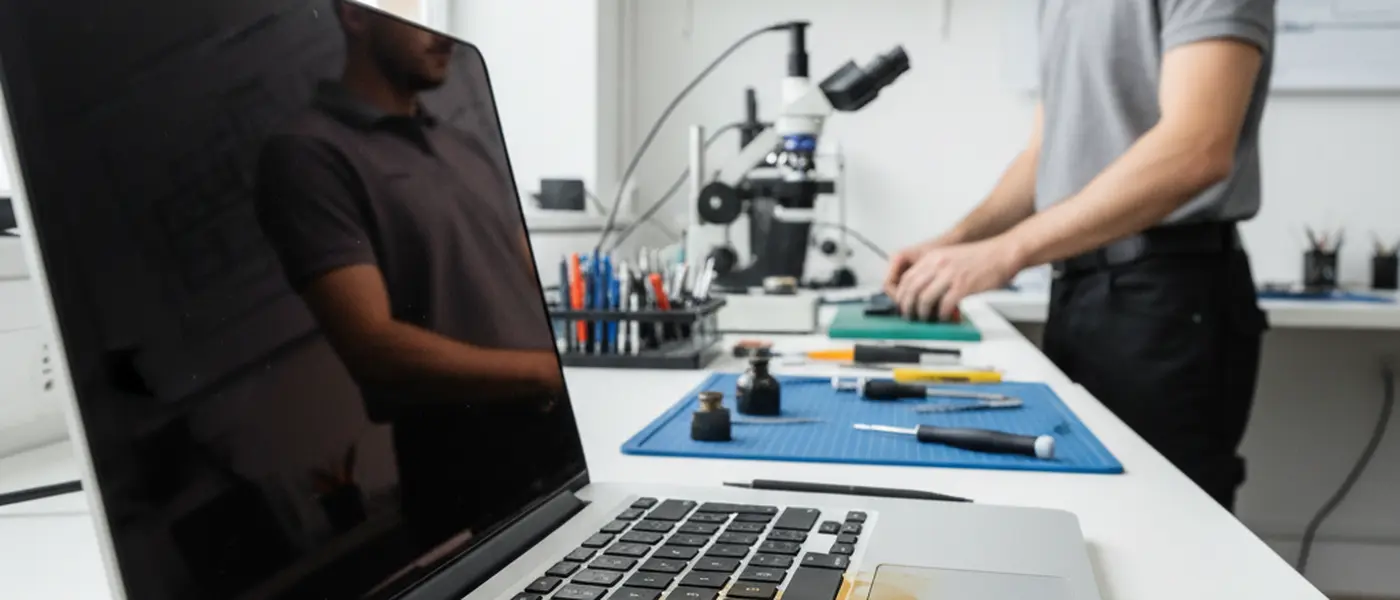
James, a freelance graphic designer in Manchester, spilled coffee on his two-year-old laptop. The screen flickered and the keyboard stopped responding within minutes. His first instinct was to search "computer repair near me" and call the top result.
The shop quoted £250 over the phone without seeing the device. James visited a second shop that charged a £30 diagnostic fee, identified liquid damage to the keyboard ribbon cable (not the motherboard), and completed the repair for £95 including parts. Total turnaround: two working days.
The lesson is straightforward. A proper diagnosis often reveals that the actual fault is cheaper than the worst-case scenario. Phone quotes without inspection are guesswork — and they tend to err on the expensive side.
"Roughly 60% of liquid damage cases we see only affect the keyboard or trackpad, not the logic board. A proper diagnosis changes the repair from £300 to under £100 in most of those cases." — Mark Stevens, CompTIA-certified repair technician, Manchester
Repair vs Replace: When to Let Go
Computer repair makes financial sense when the cost stays below half the replacement value and the machine has at least two to three years of useful life remaining. Beyond that threshold, a new device with a full manufacturer warranty is the more rational investment.
Consider replacement when:
- The repair quote exceeds £200 on a machine older than five years
- Multiple components are failing (screen + battery + storage)
- The operating system is no longer supported (Windows 10 reaches end of support in October 2025) Microsoft, 2024
- Performance cannot meet your current workload, even after repair
Consider repair when:
- A single component has failed on an otherwise functional machine
- The device is under three years old
- You need to recover data stored on the device
- The machine has high sentimental or professional value (custom configurations, licensed software)
Key takeaway: The decision is financial, not emotional. Compare the repair quote against the cost of a refurbished equivalent on sites like Back Market or manufacturer outlet stores.
Frequently Asked Questions About Computer Repair
How long does a typical computer repair take? Software issues like virus removal or operating system reinstallation take two to four hours. Hardware repairs such as screen replacement or SSD upgrades take one to two days, depending on parts availability. Motherboard-level repairs or liquid damage recovery can take three to five working days.
Can I get my data back if my hard drive has failed? In many cases, yes. A standard hard drive failure (mechanical or logical) has a recovery success rate of around 70–80% when handled by a professional data recovery service [Ontrack Data Recovery, 2024]. Costs range from £150 for logical recovery to £800+ for cleanroom work on physically damaged drives.
Should I go to a manufacturer service centre or an independent shop? Manufacturer centres (Apple Store Genius Bar, Dell Authorised Service) guarantee genuine parts and preserve your warranty. Independent shops are typically 20–40% cheaper and faster. If your device is still under manufacturer warranty, always use the authorised service first — independent repair may void coverage.
Is it worth repairing an old computer instead of buying new? For machines under five years old with a single fault, repair is almost always worthwhile. Beyond five years, the cost-benefit calculation shifts toward replacement — especially if the device struggles with current software requirements. An SSD upgrade can extend a slow but otherwise healthy machine's life by two to three years for under £100.
What should I back up before taking my computer in for repair? Back up all personal files to an external drive or cloud storage before handing over your device. This includes documents, photos, browser bookmarks, and any software licence keys. While reputable shops have data handling policies, no backup means no safety net if something goes wrong during repair.
For specialised IT support beyond one-off repairs — including network setup, cybersecurity advice, and ongoing maintenance — local IT services offer subscription-based plans that can prevent many common faults before they require emergency repair. If your issue is specifically with consumer electronics like tablets or smartphones, our guide to electronics repair near you covers those devices in detail.
Disclaimer: The information on this page is provided for general guidance only and does not constitute professional IT advice. Costs and repair times vary by provider and location. Always obtain a written quote before authorising any repair work.
